


Log Into Wazamba Casino and Start Playing in Finland
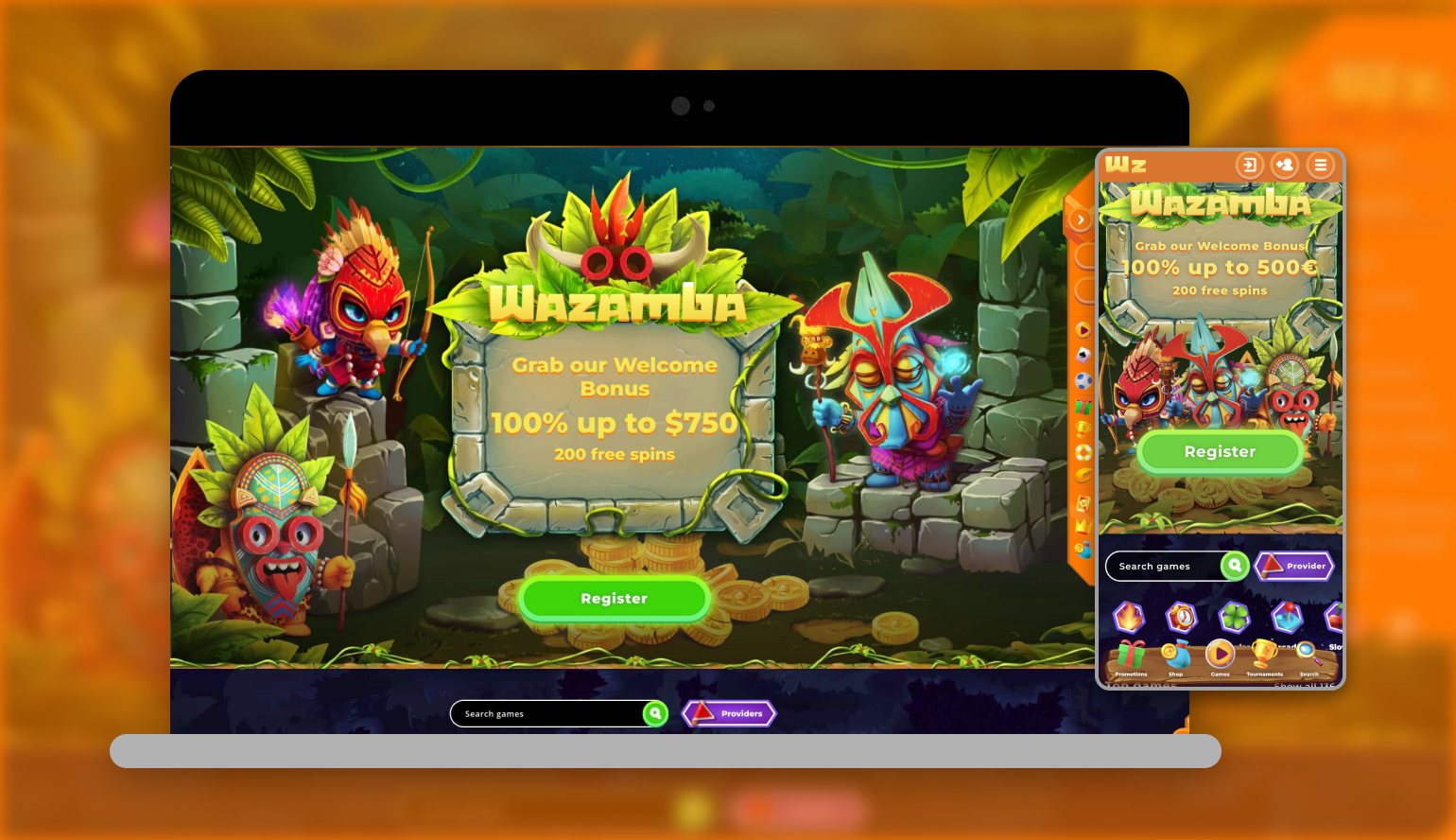
Logging Into your Wazamba Casino account unlocks the games, bonuses, and account tools built for players in Finland. The sign-in process needs to be quick, secure, and easy to follow. On this page we guide you through every step of the account journey, from establishing your profile to handling verification and resolving common access problems. Our aim is to give you the knowledge you need so that logging in is a normal part of your routine, enabling you to focus on what matters most: enjoying the entertainment responsibly and without unnecessary worry.
Creating Your Wazamba Casino Account: The Registration Walkthrough
Before you can sign in, you need an active account. The registration form on the Finnish-language version of the site asks for a set of basic personal details that must be filled in accurately. You will enter a valid email address, create a unique username, and choose a strong password. The system also requires your full name, date of birth, and residential address exactly as they appear on your official identification. Because Wazamba operates under a Curacao licence and welcomes Finnish players, the platform automatically adjusts the currency to euros and adapts the interface to Finnish where available, ensuring you see all amounts and terms in familiar formats from the very first step.
Finishing the Sign-Up Form and Setting Preferences
After submitting the required personal information, you will be asked to set a few account preferences. These typically involve choosing your preferred communication language, opting in or out of promotional notifications, and confirming that you are at least 18 years old, the minimum legal gambling age in Finland. Read the terms and conditions and the privacy policy carefully before checking the consent boxes. Once you send the form, the system delivers an automatic verification email to the address you provided. Clicking the confirmation link inside that email enables your account and sends you back to the login page, where you can type your new credentials for the first time.
Recovering Access: Lost Password and Username Methods
It is typical to misremember login details, and Wazamba provides a simple recovery path. On the sign-in page, you will see a “Forgot Password?” link directly below the password field. Clicking it brings up a short form where you provide the email address linked with your account. The system then sends a password reset link to that address. The link is time-sensitive and usually expires within a few hours, so use it promptly. After clicking the link, you are taken to a secure page where you can create a new password. Choose something strong and different from your previous one, then confirm the change.
What to Do If You Can’t Remember Your Username or Email
If you have lost track of which email address you used to register, check for the initial welcome message from Wazamba in your inbox archives. The casino’s registration confirmation email includes your username and the email address on file. If you can’t locate that message, the next step is to reach customer support via live chat or email. The support team will ask you to supply some identifying information, such as your full name, date of birth, and possibly the last four digits of a registered payment method, to confirm your identity before they can share the email address linked to your account. This extra step safeguards your account from unauthorised recovery attempts.
Verifying Your Identity: The KYC Process Clarified
As a regulated operator, Wazamba Casino must adhere to anti-money laundering regulations and know-your-customer standards. This implies that after registration, and surely before your first cash-out, you will be required to verify your personal details. The procedure is designed to secure both you and the platform. Getting the necessary papers in advance ensures verification much faster. Generally, the compliance team requests a clear, colour version of a government-issued photo identity document, such as a passport or a Finnish driver’s permit, and a recent proof of address paper, like a utility bill or bank statement produced within the last three months.
How to Submit Your Files and What to Expect
Submitting the items takes place inside your account area, under a dedicated verification or documents tab. The interface accepts common image and PDF types, and verify that all four corners of each document are displayed and that no details is covered. Once submitted, the review is usually done within 24 to 48 working hours, though during busy phases it may require slightly longer. You will receive an email alert once your account has been confirmed. If any document is refused, often owing to an expired ID or an address mismatch, coinmarketcap.com the message will detail the cause clearly so you can send again the correct file without trial and error.
Understanding the Sign-In Page: A Step-by-Step Guide
The sign-in page for Finnish users provides you with a tidy, uncluttered interface with clearly labelled fields for your email or username and your password. Above the form, you will typically see the Wazamba logo and a straightforward link to the registration page if you do not yet have an account. Mark the official login URL to avoid phishing sites that imitate the casino’s design. Once you type your credentials, hit the login button. If the details are correct, the system redirects you to the main lobby within seconds. Should you misenter your password, an inline error message shows up without clearing the email field, so you just have to re-enter the password.
Logging In from Mobile Browsers and the App
The mobile experience reflects the desktop version in functionality and security. You can reach vilkaise through a mobile browser or a dedicated application, and the login fields are optimized for touch input. The responsive design ensures that the keyboard does not obscure the password field, and the “show password” toggle enables you to verify what you have typed before submitting. On mobile, biometric authentication such as fingerprint or face recognition may be available if your device supports it and you have enabled the feature in your account settings, giving an even faster and more secure way to sign in without typing a password each time.
Securing Your Account: Login Credentials and Two-Factor Authentication
Your email address and password serve as the first line of defence for your Wazamba account. Select a password that is at least twelve characters long and includes uppercase and lowercase letters, numbers, and symbols. Steer clear of using easily guessed information such as your name, date of birth, or simple sequences. The platform keeps passwords using industry-standard hashing, so even Wazamba staff are unable to access your plain-text credentials. Beyond a strong password, the casino may offer two-factor authentication as an optional security layer. If you notice this feature in your account settings, enabling it adds a time-based one-time code generated by an authenticator app on your mobile device.
Managing Your Login Details on Shared and Personal Devices
When you access your account from a private computer or phone, you can select the “Remember Me” option to stay logged in for a set period. Don’t use this feature on shared or public devices, as it could permit others to access your account. Always sign out manually after each session on a device you do not own exclusively. It’s also advisable to update your password periodically and never repeat the same password across multiple online services. If you believe any unauthorised access, change your password immediately from the account settings and contact customer support so they can examine recent login activity and safeguard your profile.
Common Login Issues and Ways to Fix Them Swiftly
Sometimes a login attempt is unsuccessful even when you are confident the credentials are correct. One frequent cause is an account lock caused by multiple unsuccessful login attempts. This is a security measure that briefly blocks access to stop brute-force attacks. If you come across a lockout message, wait at least 15 to 30 minutes before trying again, or use the password reset function to recover access immediately. Another frequent culprit is outdated cached data in your browser. Removing your browser’s cache and cookies, then restarting the browser, often fixes unexplained errors on the login page. Also check that your device’s date and time settings are precise, as a significant clock skew can affect secure connections.
Browser Compatibility and Connectivity Checks
The Wazamba sign-in page performs best on up-to-date versions of major browsers such as Chrome, Firefox, Safari, and Edge. If you are using an older browser or one with aggressive script-blocking extensions, the login form may not work as expected. Temporarily disabling ad blockers or privacy extensions that alter page scripts can help pinpoint the issue. Also, a stable internet connection is crucial; switching from a mobile data connection to a reliable Wi-Fi network sometimes solves intermittent failures. If problems continue, try logging in from a different device or network to ascertain whether the issue is local to your setup, and contact support with the exact error message you see.
Once You Sign In: Account Administration and Responsible Gaming
After you have properly logged on, the account dashboard serves as your primary area for handling every element of your Wazamba experience. From here you can deposit funds, look through the game library, collect available promotions, and track your transaction history. Take a look at the responsible gambling tools integrated into the platform. These typically include the ability to set per day, week-to-week, or month-to-month deposit limits, loss limits, and session time reminders. In Finland, which has robust player protection rules, having these controls easily accessible helps you keep a balanced balance between entertainment and regular life.
Maintaining Your Profile Up to Date
Verify your personal details from time to time to ensure they are current. An outdated address or expired identification document can hold up future withdrawals or verification re-checks. The profile section allows you to change your residential address, phone number, and communication preferences without requiring to contact support. If you update your email address, you will usually need to validate the new one through a verification link. Ensuring your contact information accurate also ensures that you obtain important security notices, such as password change alerts or login attempts from new devices, providing you an extra layer of oversight over your account’s safety.